

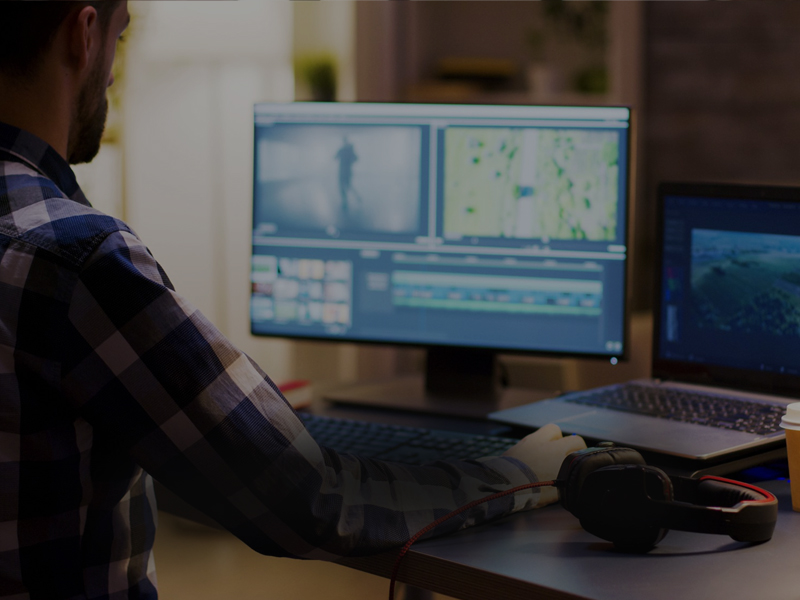
Adobe Premiere Pro Training
Adobe Premiere Pro Training (2 months)

Duration : 2 Months

Level : Beginner to Intermediate

Course Overview

This hands-on 2-month course is designed to teach you the art of professional video editing using Adobe Premiere Pro—the industry’s leading software for filmmakers, content creators, and editors. From basic cuts to layered edits with graphics and titles, you'll gain all the skills needed to craft high-quality video content for social media, YouTube, corporate, or creative projects.

What You Will Learn
Premiere Pro Essentials
  • Understanding the User Interface
  • Importing and Managing Media Files
  • Creating and Organizing Sequences
  • Basic Editing Tools & Shortcuts
  • Working with Multiple Video Layers
Creative Editing Techniques
  • Applying Video & Audio Transitions
  • Using Effect Controls & Keyframes
  • Designing Titles and Lower Thirds
  • Adding Logos and Motion Graphics
  • Picture-in-Picture Effects
Color & Audio Enhancements
  • Basic Color Correction & Grading
  • Audio Leveling and Background Music Sync
  • Syncing Dialogue and Sound Effects
Export & Delivery
  • Exporting Videos with Proper Codecs
  • Creating Platform-Ready Videos (YouTube, Instagram, Facebook)
  • Best Practices for Quality and Compression
Who Is This Course For?
  • Aspiring editors and video creators
  • YouTubers and digital content creators
  • Filmmakers and short film editors
  • Music video editors
  • Anyone looking to learn Adobe Premiere Pro professionally and efficiently
Certification

Students will receive a Government-Approved Certificate upon successful completion of the course.